Cat Simulator Online: Play Widescreen Right in Your Browser
Enjoy our panoramic five-cat browser lounge with instant keyboard controls, mouse drag, and touchscreen petting—no download required.
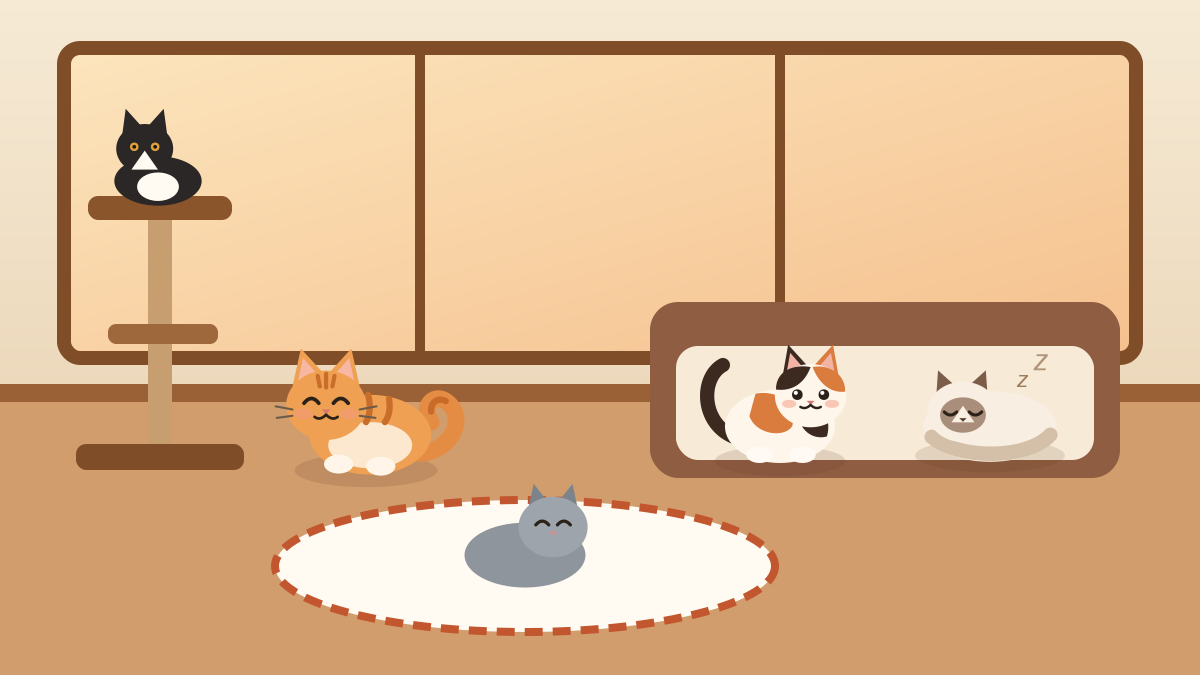
Widescreen 5-cat panorama · Mouse, touch & keyboard shortcuts 1–5
Opening Cat Simulator Online…
Ready in a moment
Highlights of the Widescreen Online Edition
Five Lounge Cats Across One Screen
Meet Biscuit the tuxedo on the cat tree and Sesame the grey British Shorthair on the rug alongside Mochi, Matcha, and Latte.
Built-In Keyboard Shortcuts
Use keys 1–5 to pet each cat, Space to feed the whole room, R to ring the counter bell, and L to shift window lighting.
Zero-Download Browser Native
Zero WebGL download bars—opens rapidly over mobile or school Wi-Fi with audio safely muted until you opt in.
Purr Chorus Harmony Meter
Glide across all five lounging spots to fill the top-right Purr Chorus bar to 100% synchronized purring.
Why Play Cat Simulator Online in the Browser?
Most downloadable pet apps demand hundreds of megabytes of storage, an app store sign-in, and repeated updates just to let you unwind with virtual cats for a few minutes. Cat Simulator Online on Meowlatte removes every hurdle: click Play above and a full widescreen sunroom opens directly inside Chrome, Safari, Edge, or Firefox with zero installation and zero account prompts.
Because everything renders on a single hardware-accelerated HTML5 canvas without third-party plugins, the lounge runs smoothly on school Chromebooks, office laptops, tablets, and mobile browsers alike.
What Is Different in the Widescreen Online Lounge?
Unlike the three-cat corner window seat on our main homepage, this dedicated Cat Simulator Online edition spreads across a panoramic triple bay window with five distinct lounging spots:
- Biscuit on the Cat Tree (
[1]) — A sharp-eyed tuxedo cat perched high on the cedar tower looking over the room. - Mochi on the Window Sill (
[2]) — Our friendly orange tabby soaking up afternoon sunlight by the glass. - Sesame on the Woven Rug (
[3]) — A plush grey British Shorthair stretched across the center rug. - Matcha on the Velvet Sofa (
[4]) — An inquisitive calico ready to chase the feather teaser. - Latte on the Sofa Cushion (
[5]) — A blue-eyed cream ragdoll lounging on the far right pillow.
Full Keyboard Shortcuts, Mouse, and Touch Support
Players visiting on laptops or desktops can keep both hands comfortable with instant keyboard controls—or simply drag across the screen with a mouse or touchscreen finger:
- Keys
1through5: Focus and pet Biscuit, Mochi, Sesame, Matcha, or Latte directly, triggering their individual meow pitch. Spacebar: Serve a round of warm kibble treats to all five lounge cats at once.- Key
R(Ring Bell): Tap the brass counter bell to trigger a staggered five-cat meow chorus across the sunroom. - Key
T(Feather Teaser): Switch the cursor into a playful teaser wand so nearby cats perk up as you sweep past. - Key
L(Lighting): Cycle the bay window view between Sunroom Morning, Golden Hour, and Cozy Rain. - Key
M(Sound): Toggle synthesized purring and meows on or off at any time (audio always begins muted).
Building a 100% Purr Chorus Harmony
Watch the Purr Chorus meter in the top-right bar as you visit each cat. Petting one cat warms up the room, while sweeping smoothly from the cat tree across the rug to the velvet sofa—or combining a Space treat drop with a quick R counter bell—lifts all five cats into synchronized purring harmony. Tap Fullscreen below the frame whenever you want the panoramic sunroom to fill your entire monitor or landscape phone display.
Frequently Asked Questions
Do I need to download an app or plugin to play Cat Simulator Online?
No. Cat Simulator Online runs 100% inside your web browser using standard HTML5 Canvas and Web Audio. Nothing is downloaded or installed on your computer or phone.
Does Cat Simulator Online work on school Chromebooks and mobile browsers?
Yes. Because it uses lightweight browser rendering with full keyboard shortcuts (1–5, Space, R, L, M) and requires no installation, it works smoothly on Chromebooks, Windows PCs, Macs, iPhones, and Android tablets.
How is Cat Simulator Online different from the homepage window seat?
This page opens a wider panoramic lounge featuring five cats (adding Biscuit on the cat tree and Sesame on the woven rug), keyboard shortcuts, a service bell meow chorus, and the Purr Chorus harmony meter.
How do I turn on sound in the widescreen lounge?
Audio starts muted on every visit so you never get unexpected sound in a quiet room. Click Sound (M): Off or press the M key once to unlock purrs, meows, and the brass cafe bell.
How do I play in fullscreen landscape mode?
Press the Fullscreen button right below the game stage. On mobile devices, rotating your phone sideways gives the widest panoramic view of all five cats.
Explore Other Rooms at Meowlatte
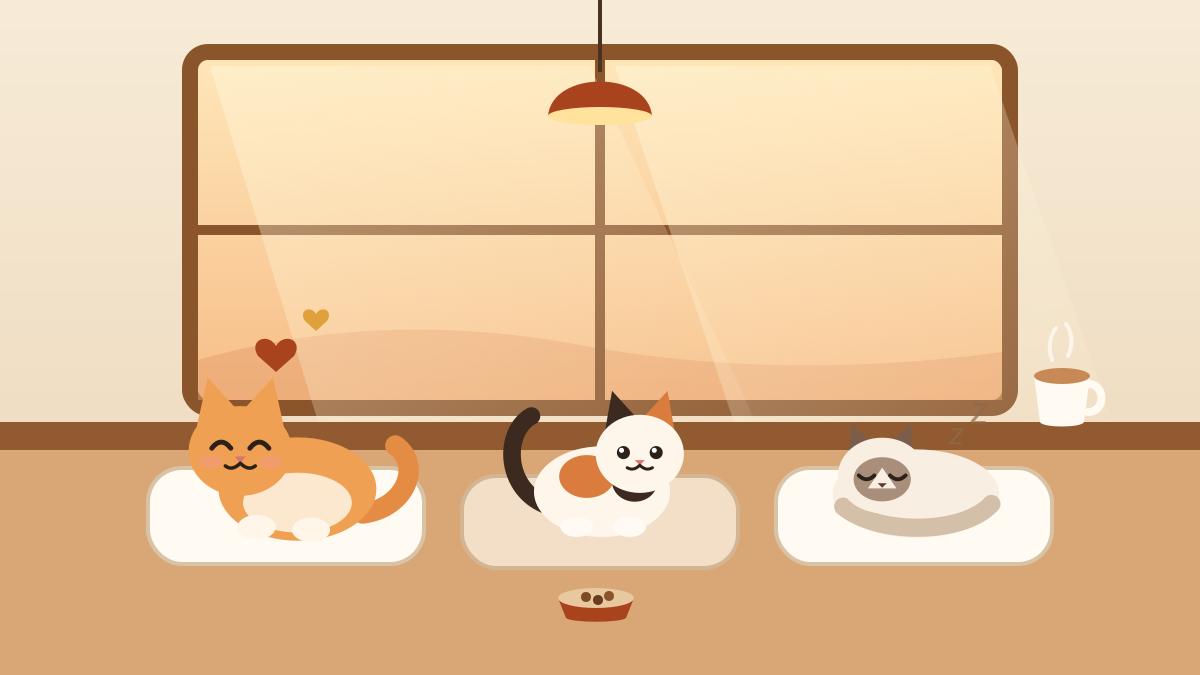
Cat Simulator (Window Seat)
Close-up window seat with 4 distinct petting zones (head, back, belly, tail) and the real daily cafe bowl counter.
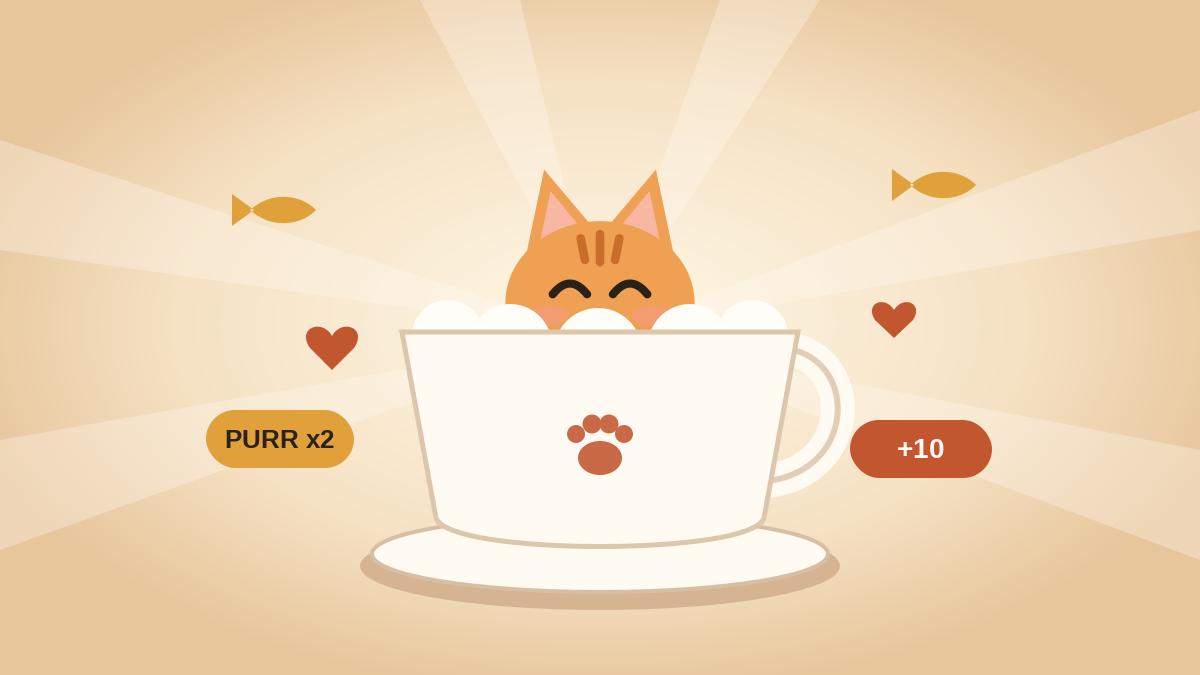
Cat Clicker
Tap Barista Mochi to build kibble treats per second and unlock five resident cafe cats.
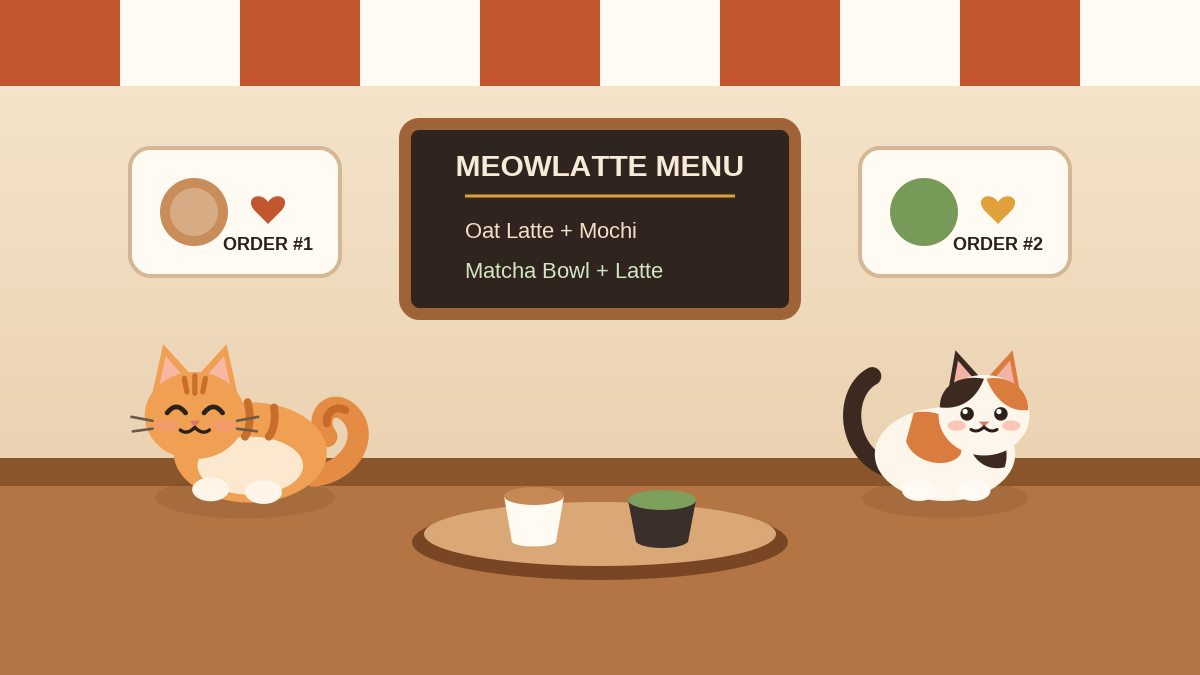
Cat Cafe Game
Brew warm drinks and pair visiting guests with their requested resident cat.
Cafe Guestbook
Share which resident cat purred fastest for you, or ask a question about playing on your device.
No guestbook notes yet. Leave the first note after petting Mochi, Matcha, or Latte!